The problem
What the spreadsheet loses track of.
- Which bus can seat the children on tomorrow's route, and which is already full.
- Whose driving licence, LASDRI badge or medical certificate runs out this month.
- Which vehicle's insurance, roadworthiness certificate or hackney permit has lapsed while it is still on a route.
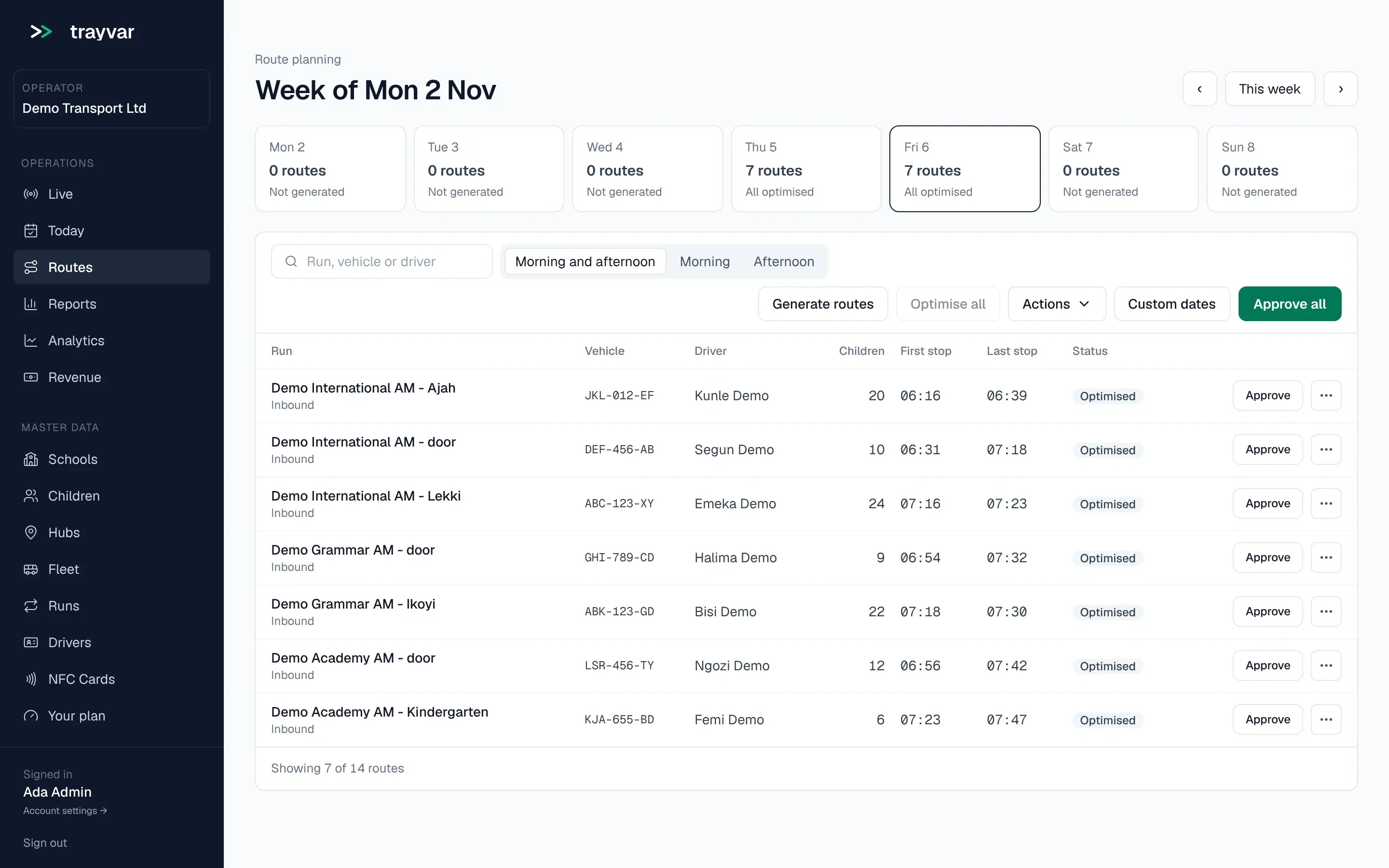
- Which driver or bus is booked onto two runs at the same time.
How Trayvar solves it
How Trayvar runs the fleet.
01
Every vehicle on one record
Each vehicle carries its registration, its capacity and an optional home base where it parks, with the expiry dates of its insurance, roadworthiness certificate and hackney permit. A vehicle marked retired cannot be put on a route.
02
Every driver on one record
Each driver carries the expiry dates of their driving licence, LASDRI badge and medical certificate, and runs their routes from the school bus driver app.
03
A flag before a document lapses
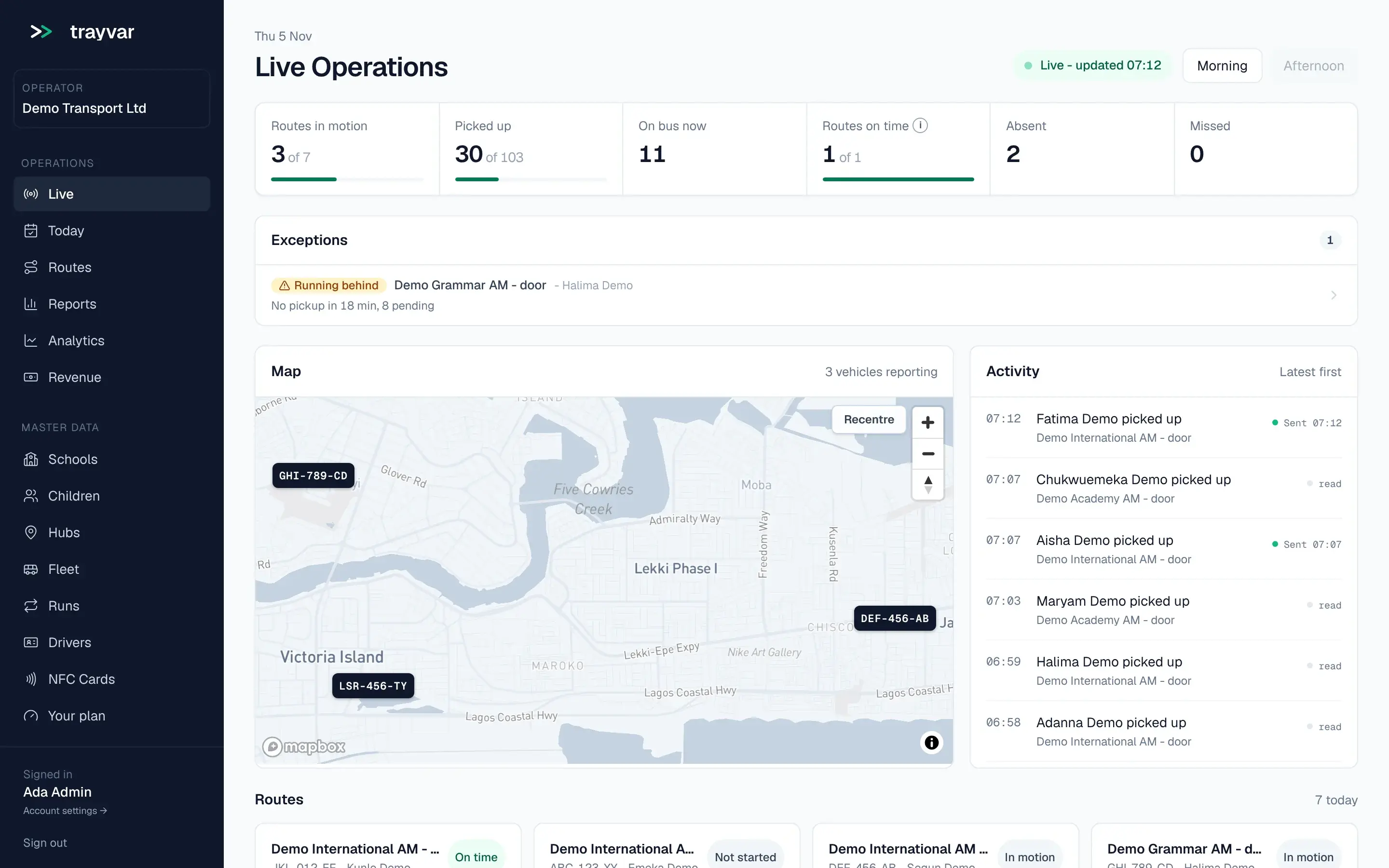
A daily check flags any document that has expired, is missing or runs out soon, on the dashboard, the Plan page and the Fleet page. When a document has lapsed, or will lapse, before a route that vehicle or driver is on, the operator gets an email. The decision stays with the operator.
04
Capacity in every plan
Routes are planned within each vehicle's capacity, overnight and by itself on Growth and Scale and route by route when you ask on Starter (school bus routing software). Runs that would share a driver or a vehicle at the same time are flagged before approval.
The evidence
What the fleet records show.
- Load factor is reported by run, driver and school, so the half-empty buses and the full ones are both visible.
- The operations report shows planned and measured distance for each route.
- Each school you serve receives a service report that states whether its drivers' documents were valid over the period.
Questions and answers
What does school fleet software do?
It keeps the vehicles and drivers behind every school route in order: what each bus can seat, when each document expires and which routes depend on them. Trayvar does this in the same platform that plans and runs the routes, so a lapsed document shows up against the route it affects.
Which vehicle and driver documents does Trayvar track?
For each vehicle, the insurance, the roadworthiness certificate and the hackney permit. For each driver, the driving licence, the LASDRI badge and the medical certificate. Each has an expiry date, and a daily check flags any document that has expired, is missing or runs out soon.
Does Trayvar stop a vehicle with an expired document from running?
No. It flags the document on the dashboard, the Plan page and the Fleet page, and emails the operator when the lapse affects a route about to run. The decision stays with the operator. A vehicle marked retired cannot be put on a route.
Can I see how full each bus is?
Yes. Every route is planned within its vehicle's capacity, and the reports show load factor by run, driver and school.
See it against your own routes.
A demo takes the platform through your own fleet, schools and bell times. We come back within 48 hours.